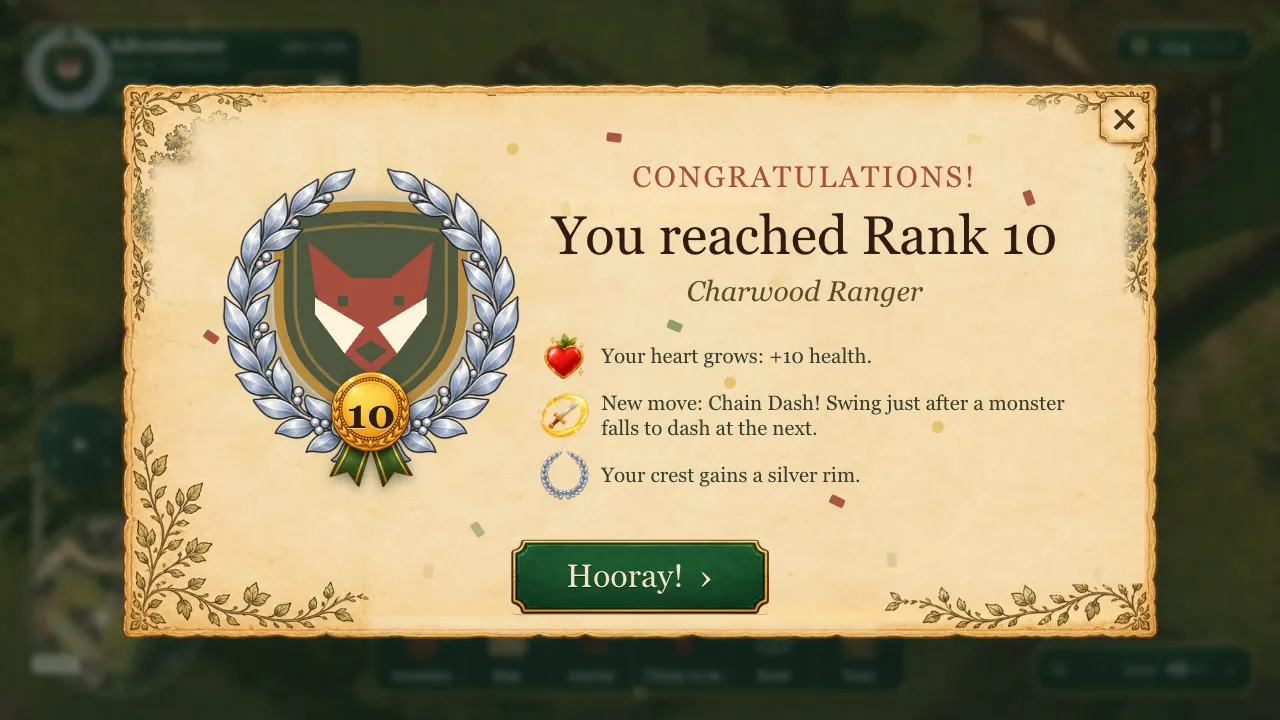
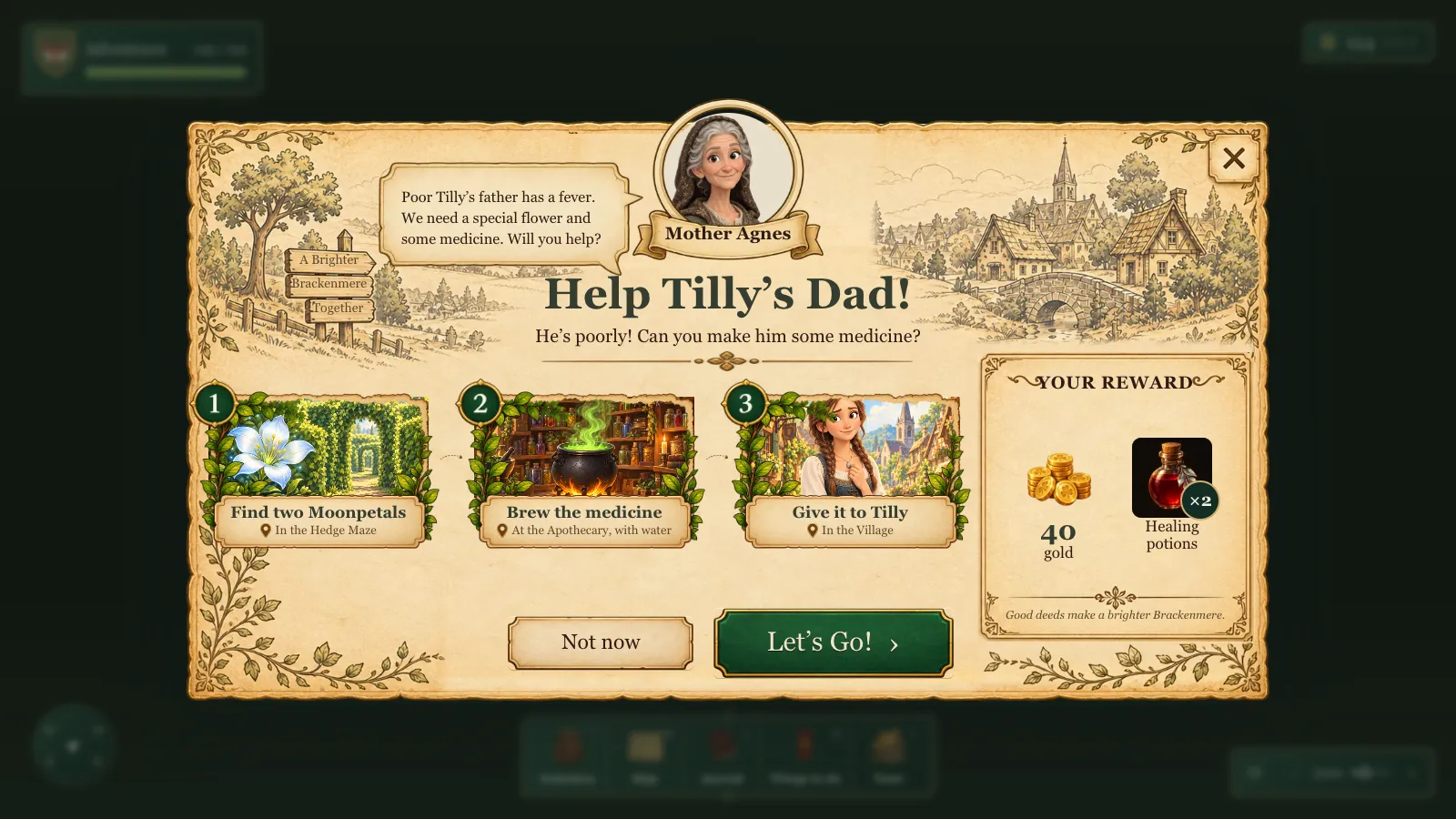
By lunchtime on 11 October the frames were steady and the first quest had a beginning, a middle and an end. What still looked amateur was everything around it: the bag, the scrolls, the buttons.
So I asked for it in one go: "Do a thorough investigation and research into the UI of the game, for 8-12 year olds. We're missing icons / visual for certain things like potions, etc. Also lets give things like scrolls, the HUD's, all the surrounding chrome and details a nice face lift and make it more enjoyable etc." And the budget: "I give you a cap of $5 for OpenAI image generation, but lets do all those nice UI tiny paper cut details that raise it from amateur to professionally designed."
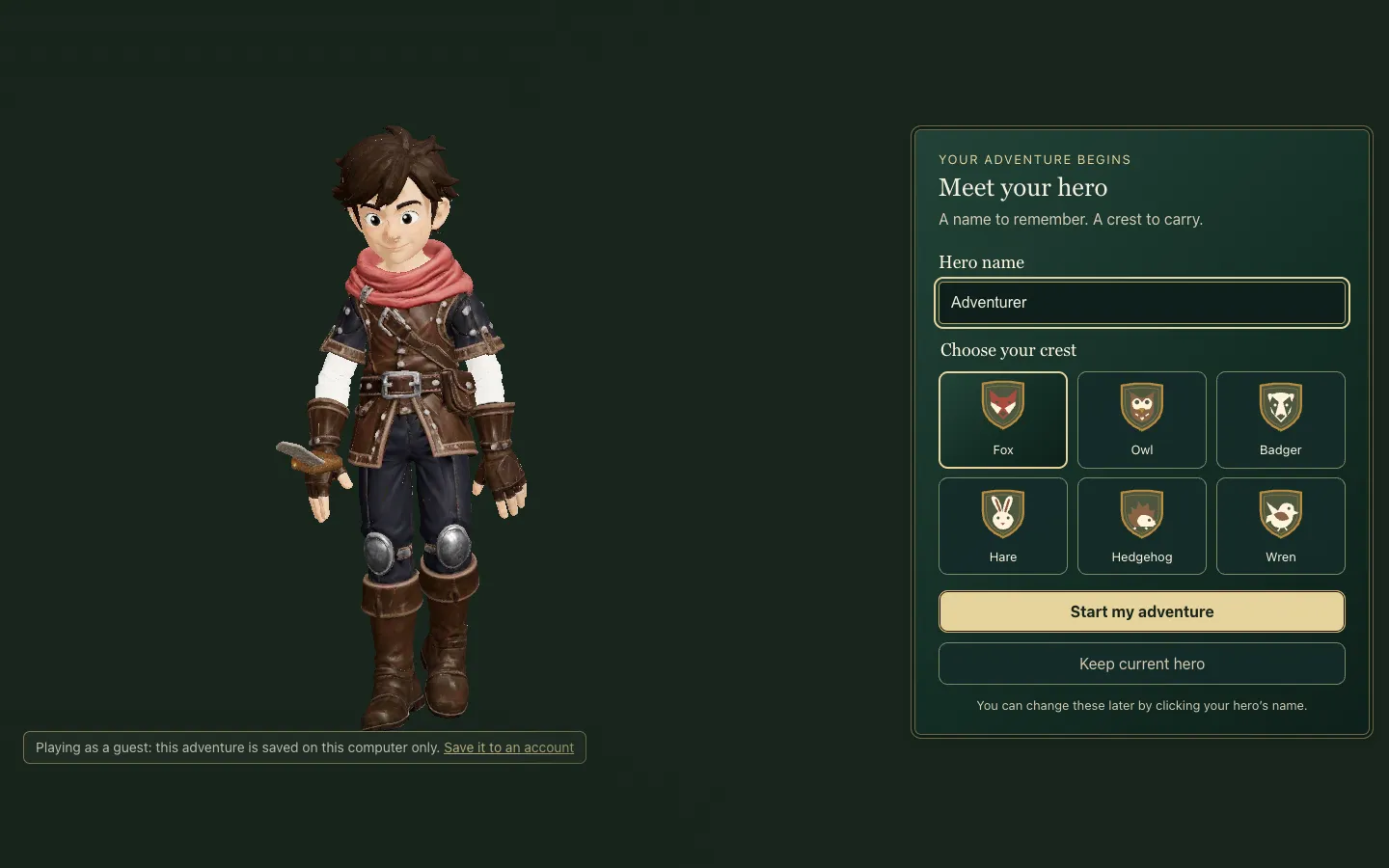 Meet your hero: the new welcome after the storybook, with the real hero in the game's own renderer.
Research first, and honest about what it could say
A Codex agent did the research before touching a line, and its most useful output was a key. Every finding was marked as child evidence (studies with real children), guidance (WCAG, Xbox's accessibility guidelines), inference, or preference. My fantasy look is a preference: nothing it found proves 8 to 12 year olds prefer paper, leather and brass.
What the child studies did support was simple. Children read plain text faster than fancy text and said they liked larger type. Flat menus beat menus inside menus at every age tested. Pictures with words beat lists of words.
Under the hood The three child studies it leaned on: 27 children aged 9 to 11 reading in different fonts (2002), 36 children aged 6 to 11 using flat and nested category browsers (2006), and 104 children aged 7 to 11 using a picture-led library search (2014).
So the rule became: storybook character in the frames, headings and pictures; plain readable words wherever a child has to act.
The audit, and the art we already had
Then it audited the game. Text was small, the Buy buttons were thin strips, and the dock was five pictures with single letters under them.
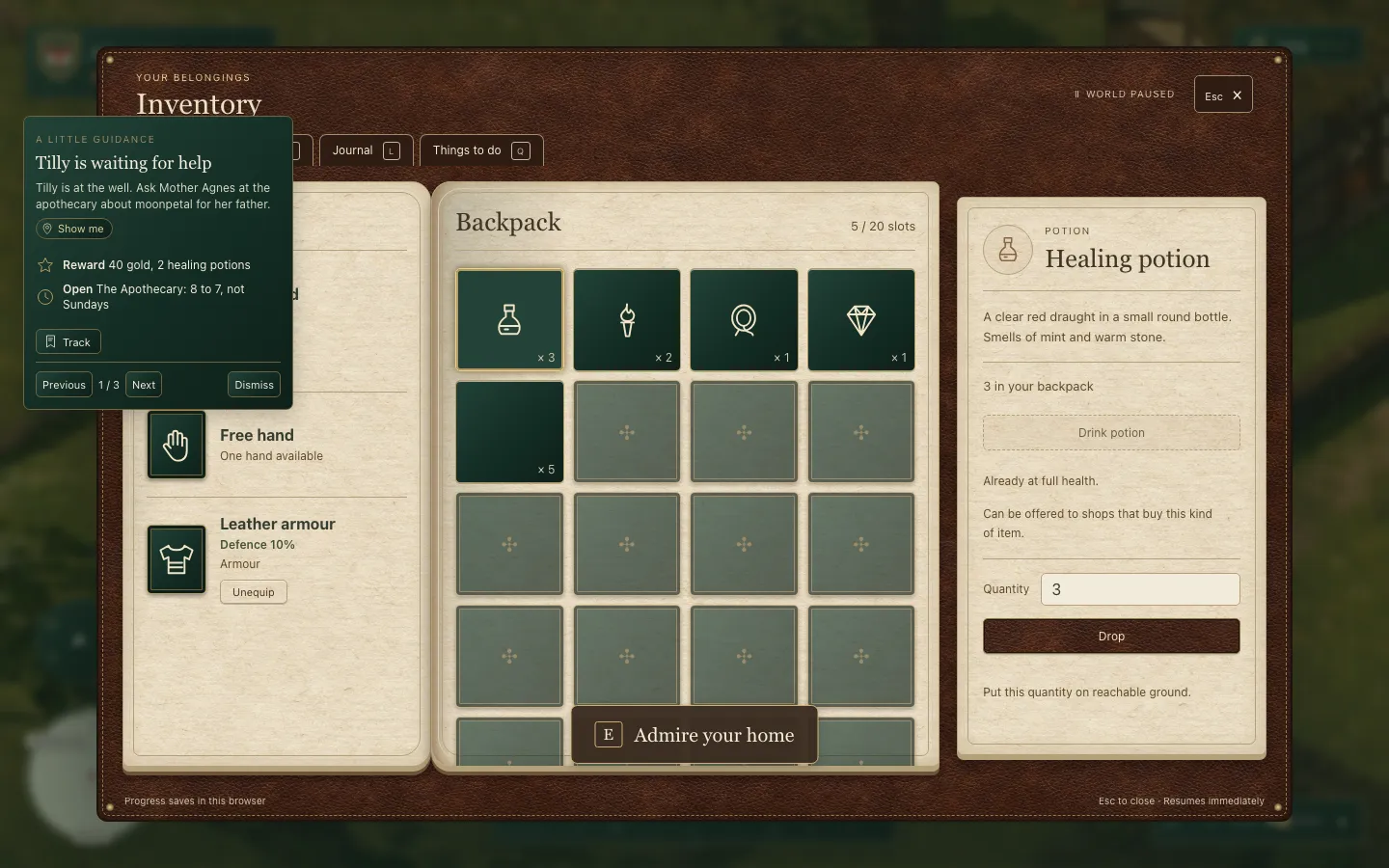 Before: line icons, no names on the tiles, and Drop as the loudest button.
The best find cost nothing. Three days earlier I had asked for painted pictures of the potion ingredients, "so when they're in the backpack, they actually look like the item rather than a random icon". There were also 25 potion paintings I had already approved, sitting in the assets with nothing in the interface pointing at them.
The agent wired them in, drew pictograms for the items that had none, and spent none of the $5.
Under the hood Before: shop names at 14 px, hints at 11 px, Buy buttons 31 px tall, and a 9 px step in the type scale. After: essential reading text at 16 px and generous button targets. The 25 potion paintings ship at 256 px as WebP and AVIF, and only the ones on screen load. OpenAI spend: $0 of $5.
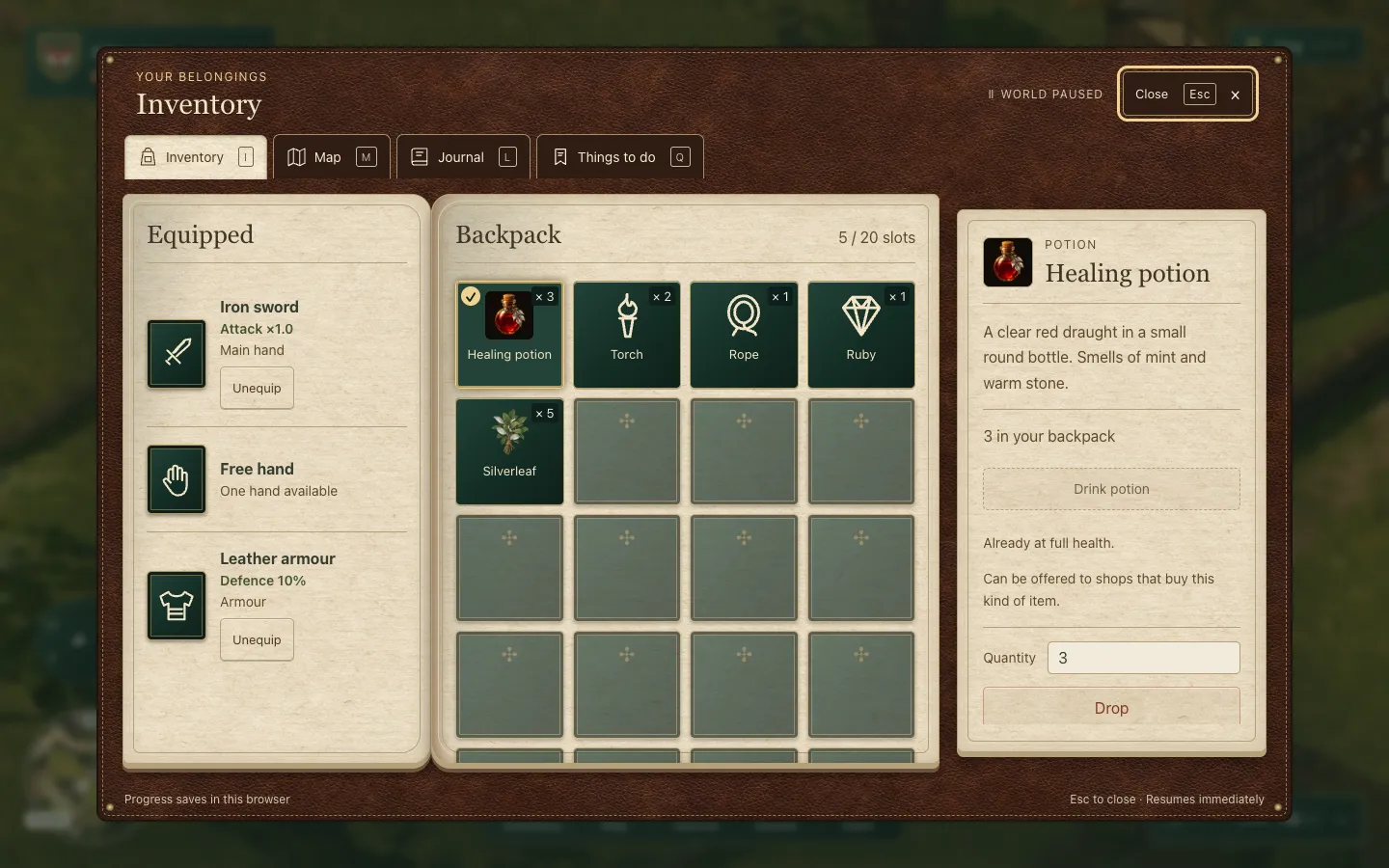 After: pictures plus words, a tick on the selected tile, and a Close button you can read.
The dock got words, Drop went quieter than Use and Equip, and the quest card became a rolled parchment scroll.
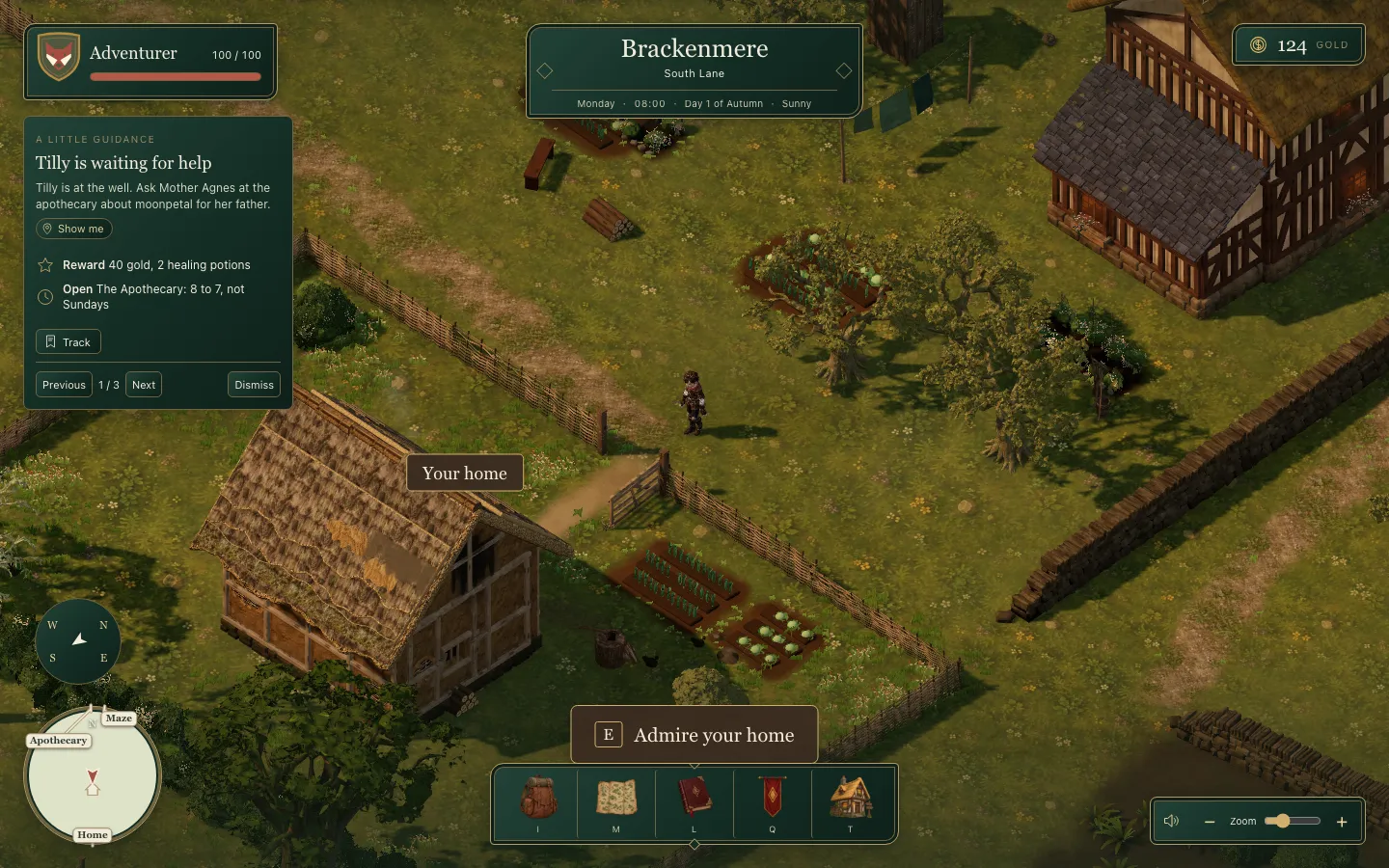 Before: the dock is five pictures and five letters.
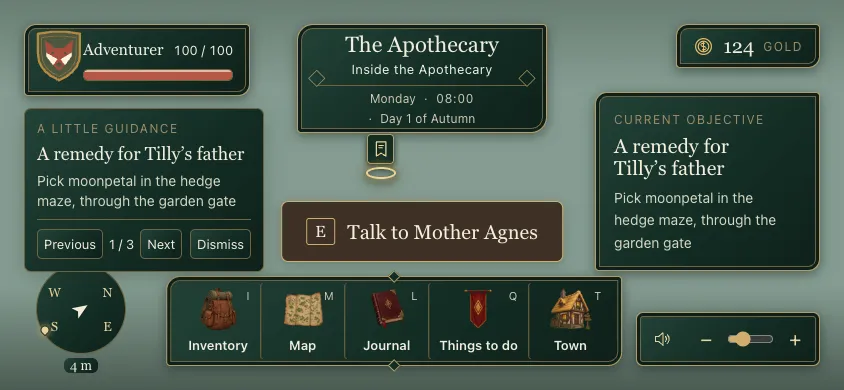 After, on a compact landscape screen: every action has its name.
Meet your hero
While it was building I had a frozen preview to poke at, and ideas kept coming. "Is it worth having an intro screen where they see the hero in 3d, can name them, choose the coat of arm, etc, after the intro, but before we do the Brackenmere how to / map pan etc?" And in the same breath: "lets face the character away from the house to start, and also put some labels over the main things during the map pan etc we've built (ie hedge maze)."
Then a screenshot: "Why is the well floor so different?" A stray patch of flagstones; it went.
The welcome reused the identity editor, the hero already loaded and the same renderer: a name, six animal crests and a big Start my adventure button. A returning hero skips it.
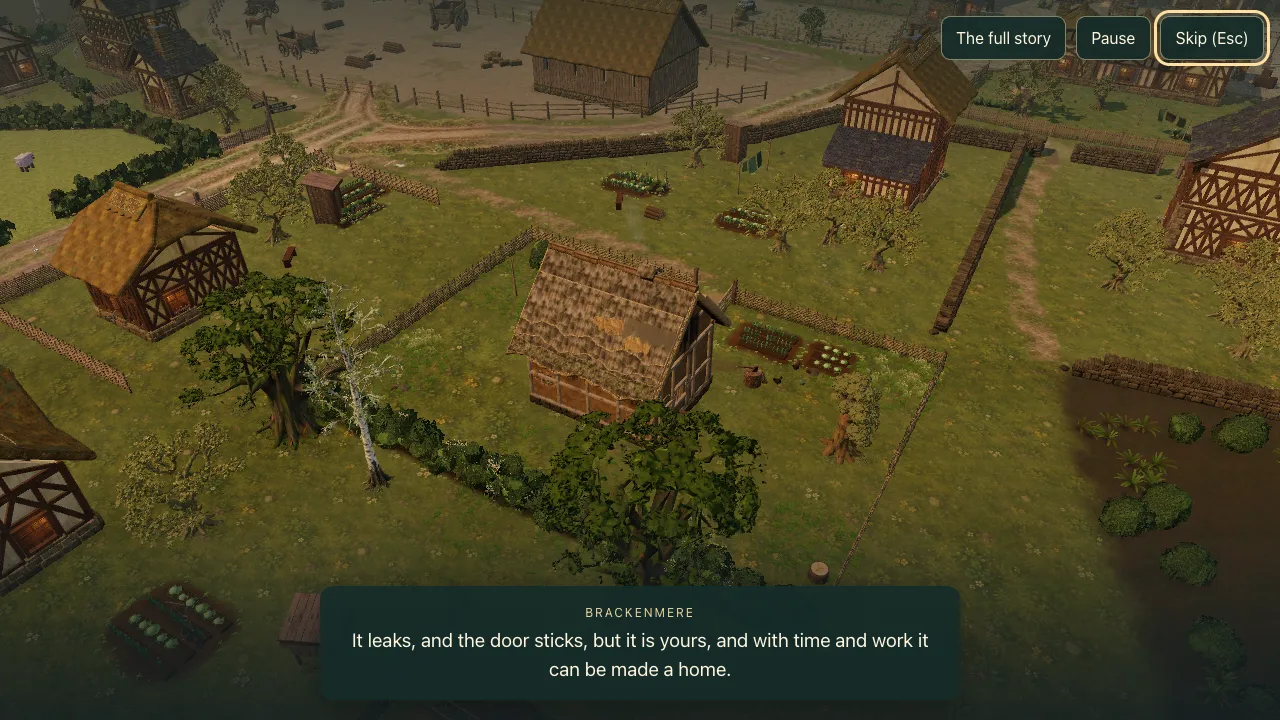
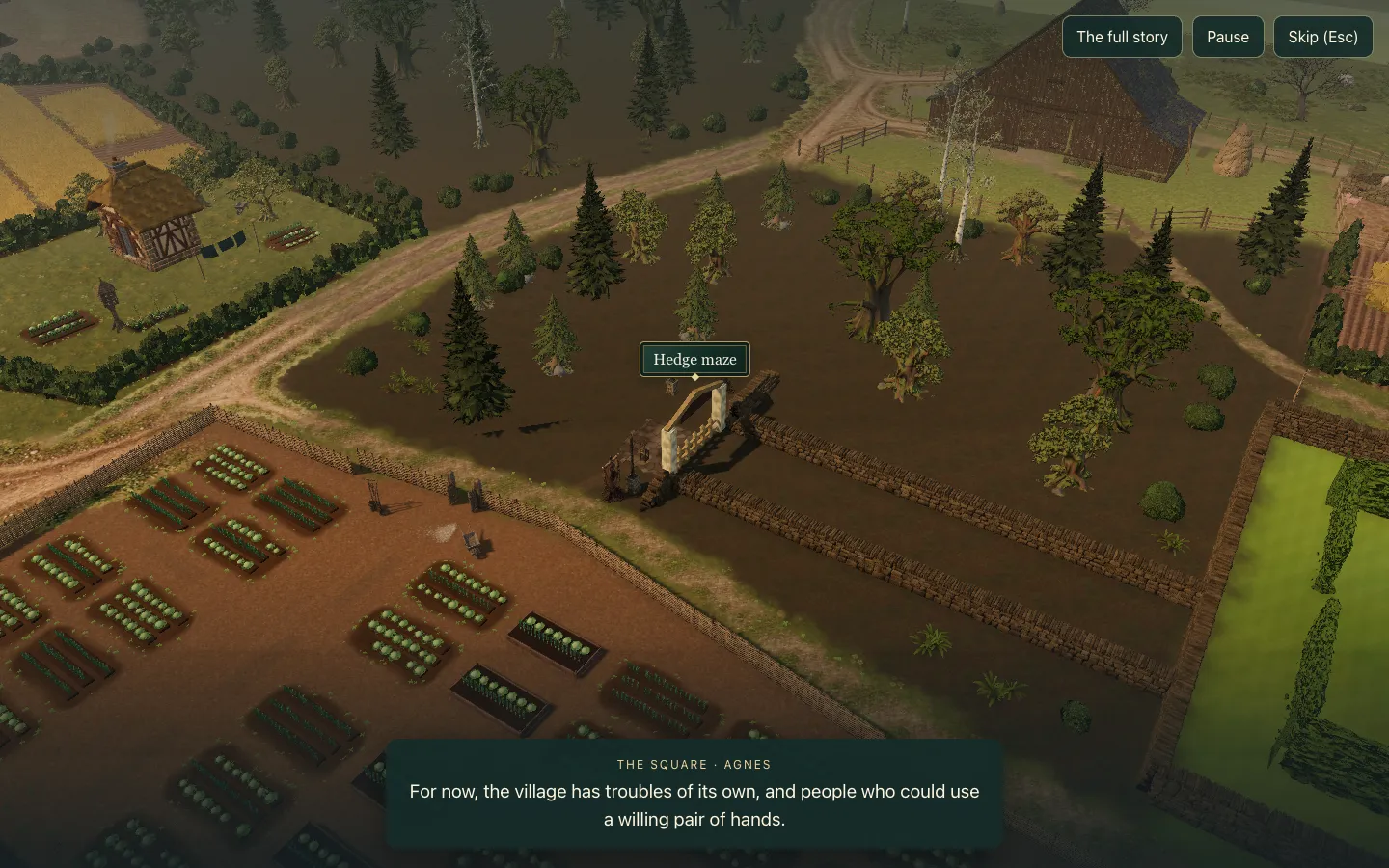 The flyover now names the places it shows, starting with the hedge maze.
Arrow keys, and friends
Once I tried it, the questions turned into how a child actually starts. "can we get it so that the this http://localhost:5173/ Goes to the intro automatically? And quality defaults to whatever is saved last on the browser, or medium if nothing set." Until then a slow machine quietly dropped to Low.
Then the thing I had been worrying about: "My kids have never done WASD and are used to arrow keys etc, which they can use, but it would be good to onboard the controls somewhere." I suggested "a practice fight? What do you think?"
The agent's answer was gentler: arrows or WASD, a jump, then one hit on a harmless training dummy. No timer, no damage, Skip any time. A real fight could wait.
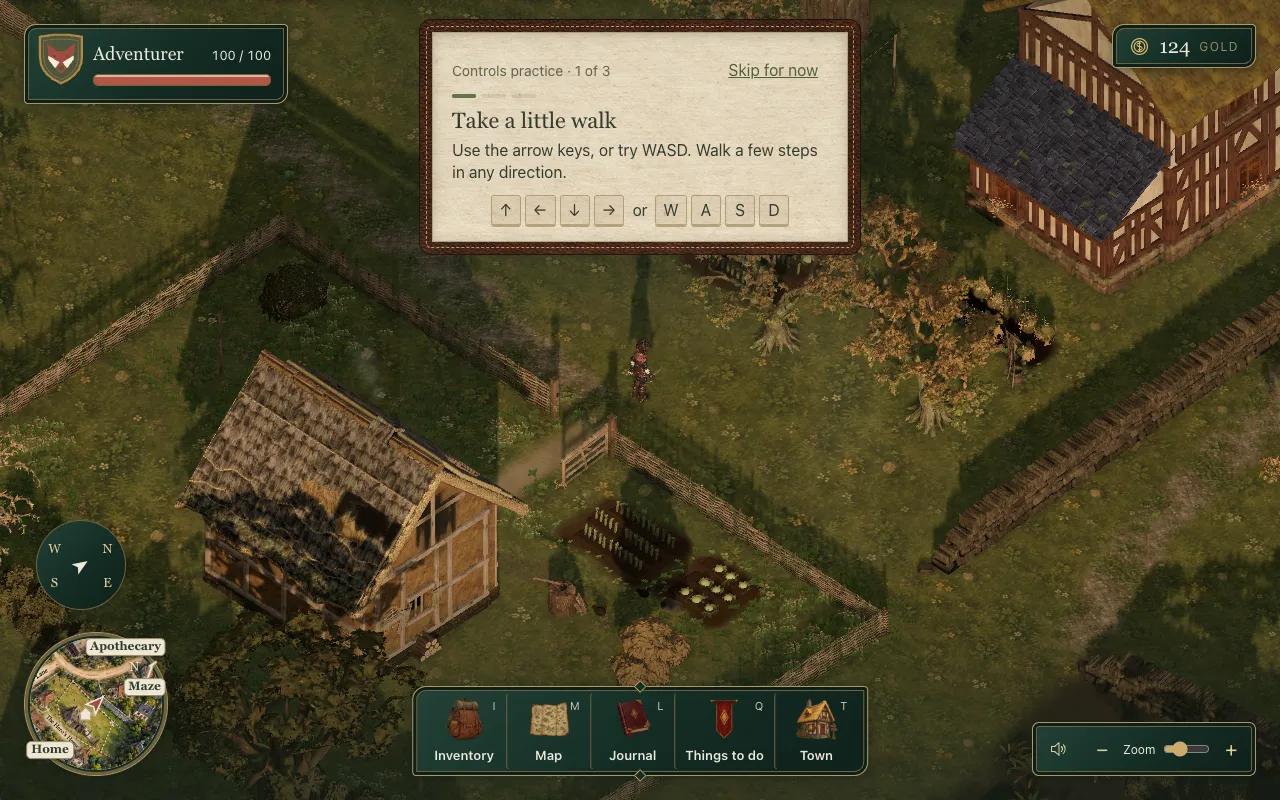 The first lesson: arrow keys or WASD, either is right.
I had one more question, the one every parent of siblings asks: "is there a 'start new game' option for players who are returning but their friends want to start their own game?" There was a New game, but it wiped the only save. The agent proposed a hero picker instead. "Yep build that."
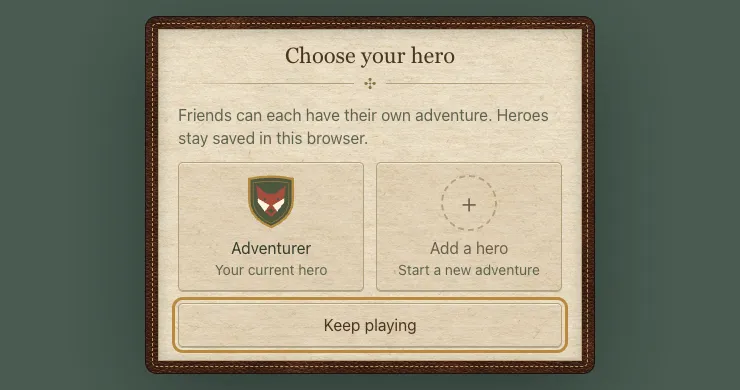 Friends each get their own adventure, saved in the same browser.
What I broke by testing it
Late that afternoon I tried it as a new player. "how do I start completely again with the intro, even if Ive started a game in this browser?" Then: "doesnt show the intro / onboarding etc? ... Just goes back to house."
The cause was instructive. A new game hands the hero a starter kit through the ledger, and the intro took any ledger history to mean you had played, so every new game looked old. Now an untouched starter save counts as fresh, and New game always goes back to the start.
Under the hood The day's UI work landed as five pieces, each with one independent Codex review. Reviews caught four reachable bugs, among them Escape being blocked during the hero welcome and a reset leaving the hero stage on screen.
Not everything got fixed. "When I open this up, if I hit to make the screen bigger, it takes a while to re-center and sort its size out." Chrome measured quick; I said "havent tried chrome, I use arc". The agent could not reproduce it and claimed no fix.
What I took from it
The research did not hand me a style. It told me which instincts had evidence behind them (pictures with words, shallow menus, bigger plain text) and which were taste. Taste is fine; it is my game. It helps to know which is which.
And the professional look did not come from new art. It came from art I already had, finally wired in, and from words next to every picture.