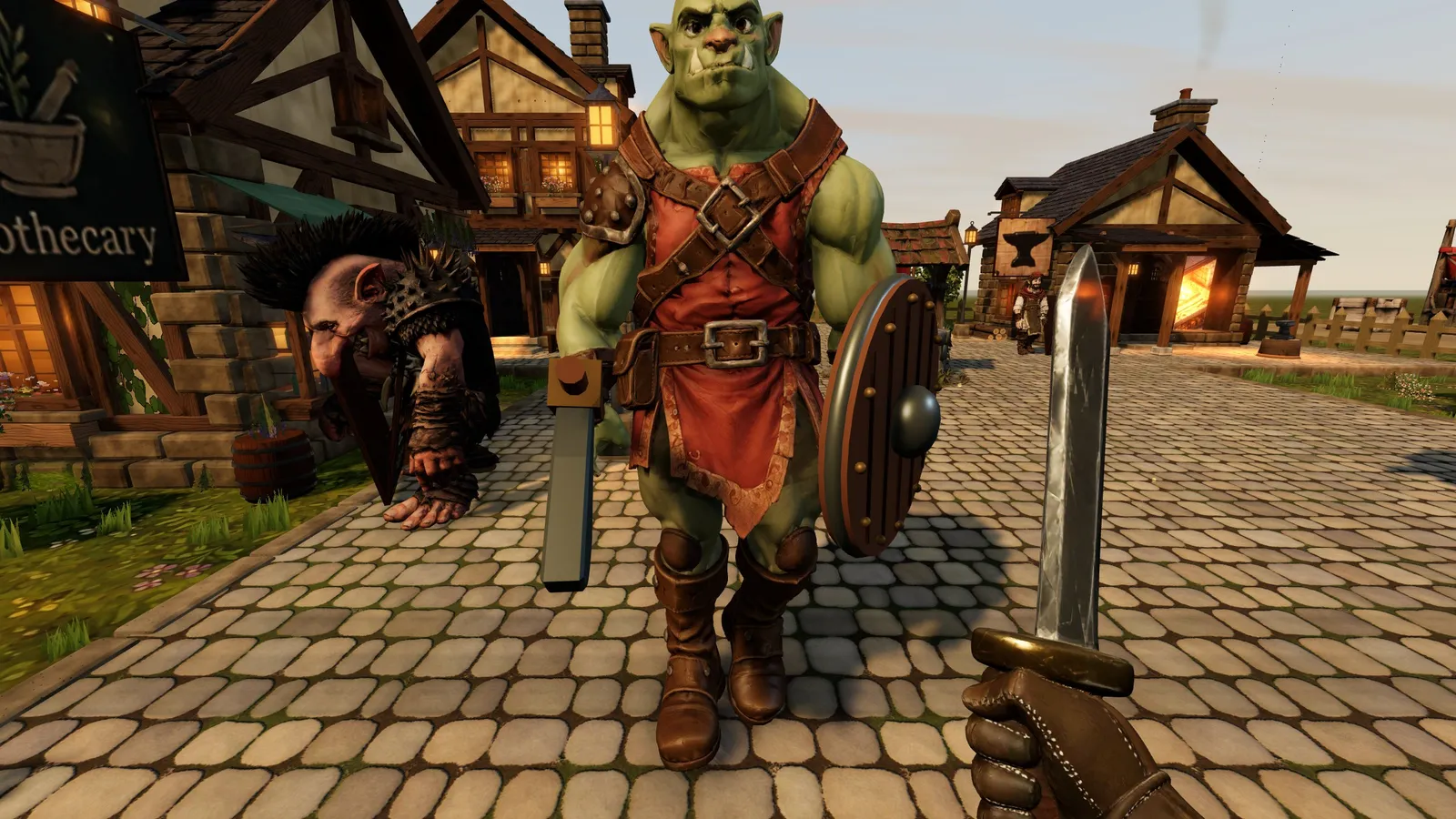
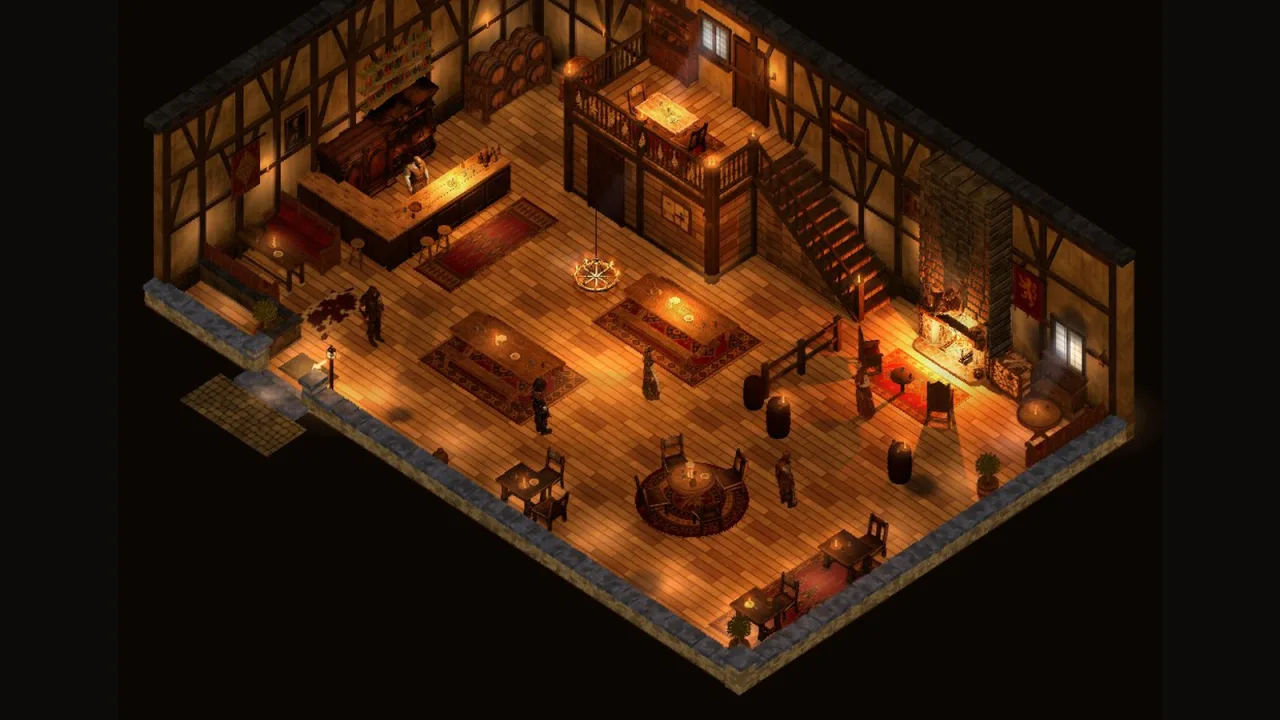
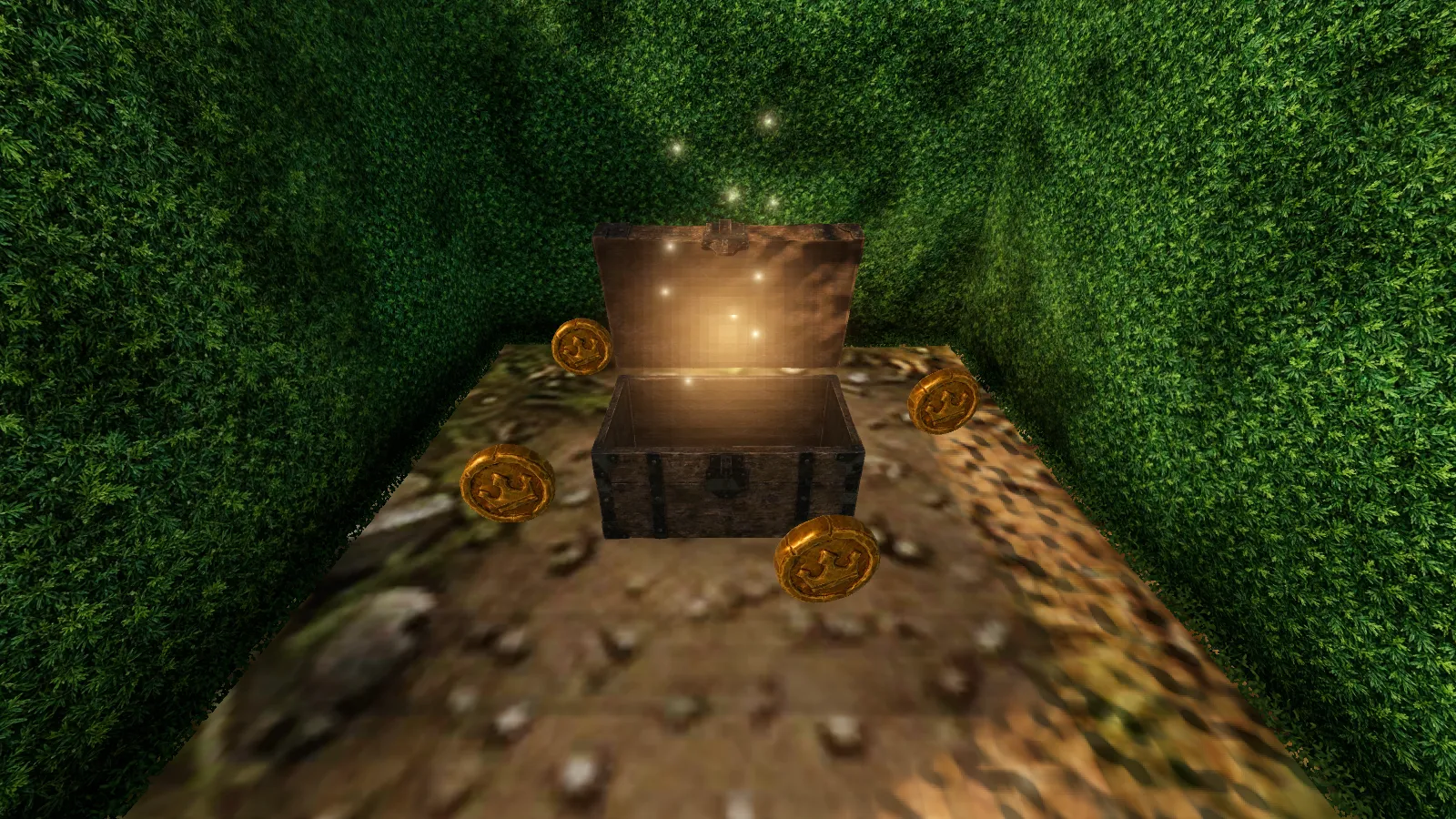
The night before, walking into the inn had come with a warning. To keep that one room under 20 MB, the agents had dropped six of its props to 512 pixel textures. Brackenmere was five days old and already heavy: every Meshy model went in exactly as it came out, 4096 pixel textures and all.
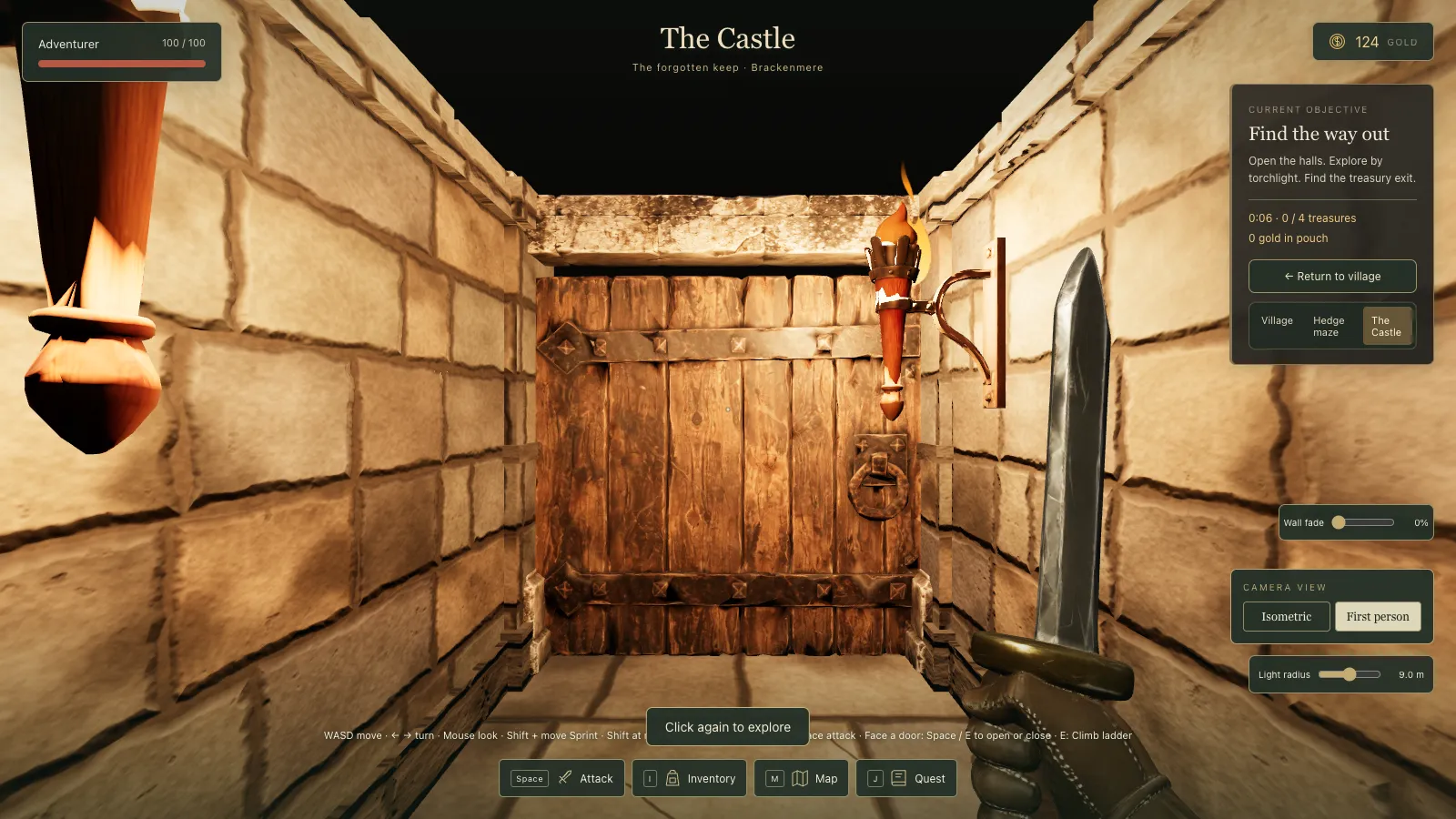 The castle after the diet, on High.
I had seen it coming
On the second morning, in the middle of a clean-up, I had asked: "let's think performance now. As you can't 'look around in 3D' is there some optimisations to be had from the buildings / trees / etc so that they are more flat / don't have info on the back of them etc. I'm not an expert here so not sure about this, as we need shadows, sun light moving etc, but maybe some things we can do..."
Two days later first person arrived and killed that idea. I could see it myself: "I guess we still keep the 3D as an asset... Is there going to be any performance issues here if we do this?" The first attempt to measure was a Chrome performance run on my own machine, which kept pausing because the game lost the mouse whenever I touched it. My answer: "Yes, finish with performance marked partial."
A job for the cloud
On the morning of 24 September I cleared the decks: "ok so we're all good. Everything on main here, committed and pushed to GitHub? We basically at a clear slate now?" Then I asked how the Claudes fit together: "How does it work with a cloud session? So if I close my laptop, everything keeps on running."
The asset diet ran in one of those. I opened it by asking for a performance review across the hedge maze, the dungeon and the village, with the work carrying on in the cloud. It came back with four questions, and my answers set the terms: a 2048 pixel ceiling in WebP, delete what the game does not use, report performance numbers rather than test them, and do all four phases. A Claude owner worked through them on a branch, on a machine with no graphics card, and handed back one merge that evening.
The diet
Phase two was an optimise script that every model and picture now goes through: remove duplicates, prune what is unused, cap texture sizes by what the thing is (characters and big props at 2048, castle and interior props at 1024, a coin at 512), convert to WebP and compress the geometry. It deliberately simplified nothing. The script checks that triangle counts, animations, skeletons and names come out exactly as they went in, so nothing the game relies on can move.
Files the game never loaded were deleted, and every model now loads through one cached loader.
Under the hood The models in the game folder went from 272 MB to 97 MB. The village's download to the point you can play fell from 215 MB to 49 MB, the castle's from 69 MB to 17 MB.
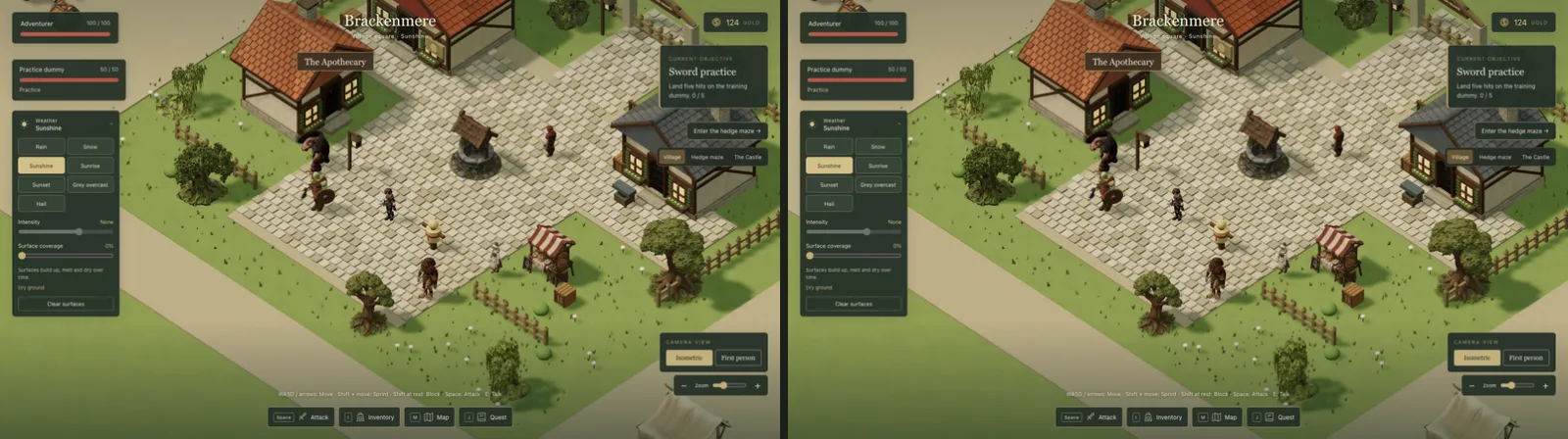 Before the diet (left) and after (right): a quarter of the download, and you cannot tell them apart.
Measure first
Phase three began with a report, not a fix. One command opens every world in the test browser, draws a frame and prints draw calls, triangles, lights, materials and the game's step time. As I had asked, it never fails on a number.
The report pointed straight at two problems. In the hedge maze, the spiders were skinning every vertex of their bodies each frame just to find where their feet were. In the castle, every wall block, banner and torch was its own draw, and every torch had its own light.
Monsters now find their feet from only the bones that can be lowest, and monsters you cannot see are not posed at all. The castle's walls and torches draw in shared batches, each piece still fading on its own when the cutaway ghosts it, and torchlight comes from a fixed pool of lights lent to the torches nearest the hero.
Under the hood Castle draw calls fell from 1,001 to 93 and materials from 425 to 51. The maze's game step went from 12.7 ms to about 0.1 ms once the spiders stopped skinning 11,000 vertices a frame to find their feet.
One fix did less than hoped: Meshy's texture seams stopped far hedges simplifying much, so the saving came from a cheap stand-in for their shadows.
Low, Medium and High
The last piece was graphics tiers. The game guesses from your hardware (Apple silicon and proper graphics cards get High, built-in graphics Medium, phones Low), and you can override it in the journal.
High was defined as the game exactly as it looked before. Low drops antialiasing, halves the sun's shadow detail, stops small props casting shadows and lights only the four nearest castle torches.
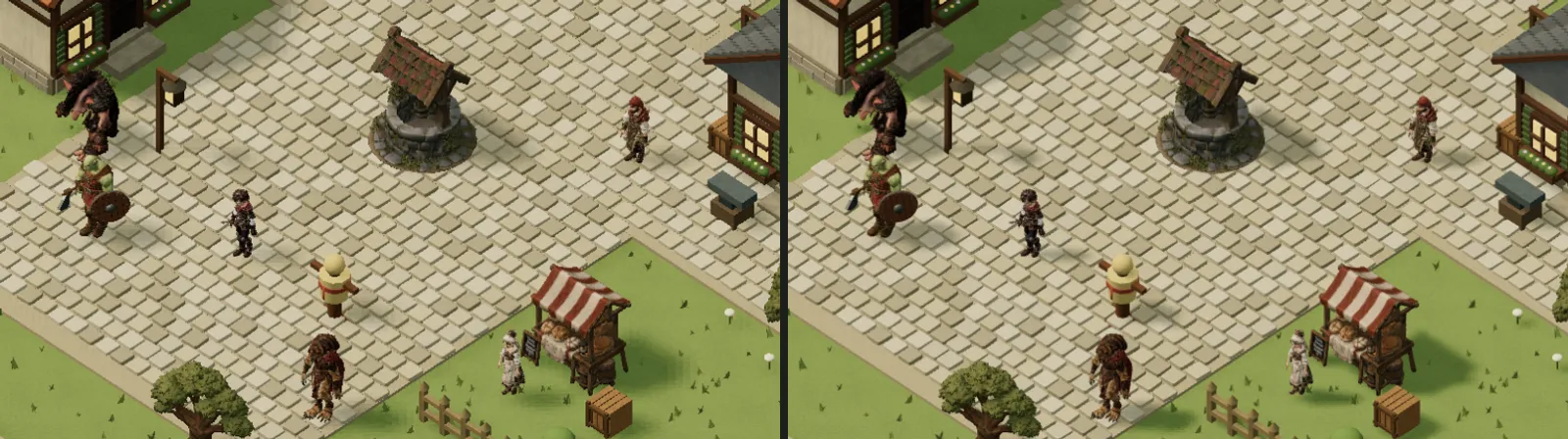 Low (left) and High (right) from the same spot. The difference is in the shadows and the edges.
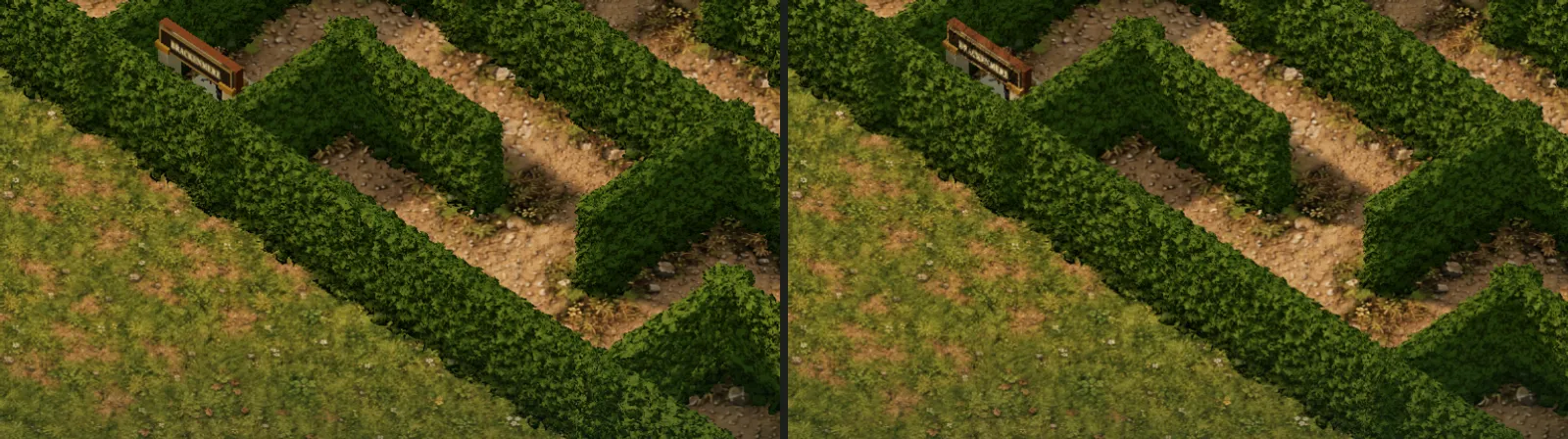 The hedge maze on Low (left) and High (right).
The differences are small, and that was the aim: the same game on a weaker machine.
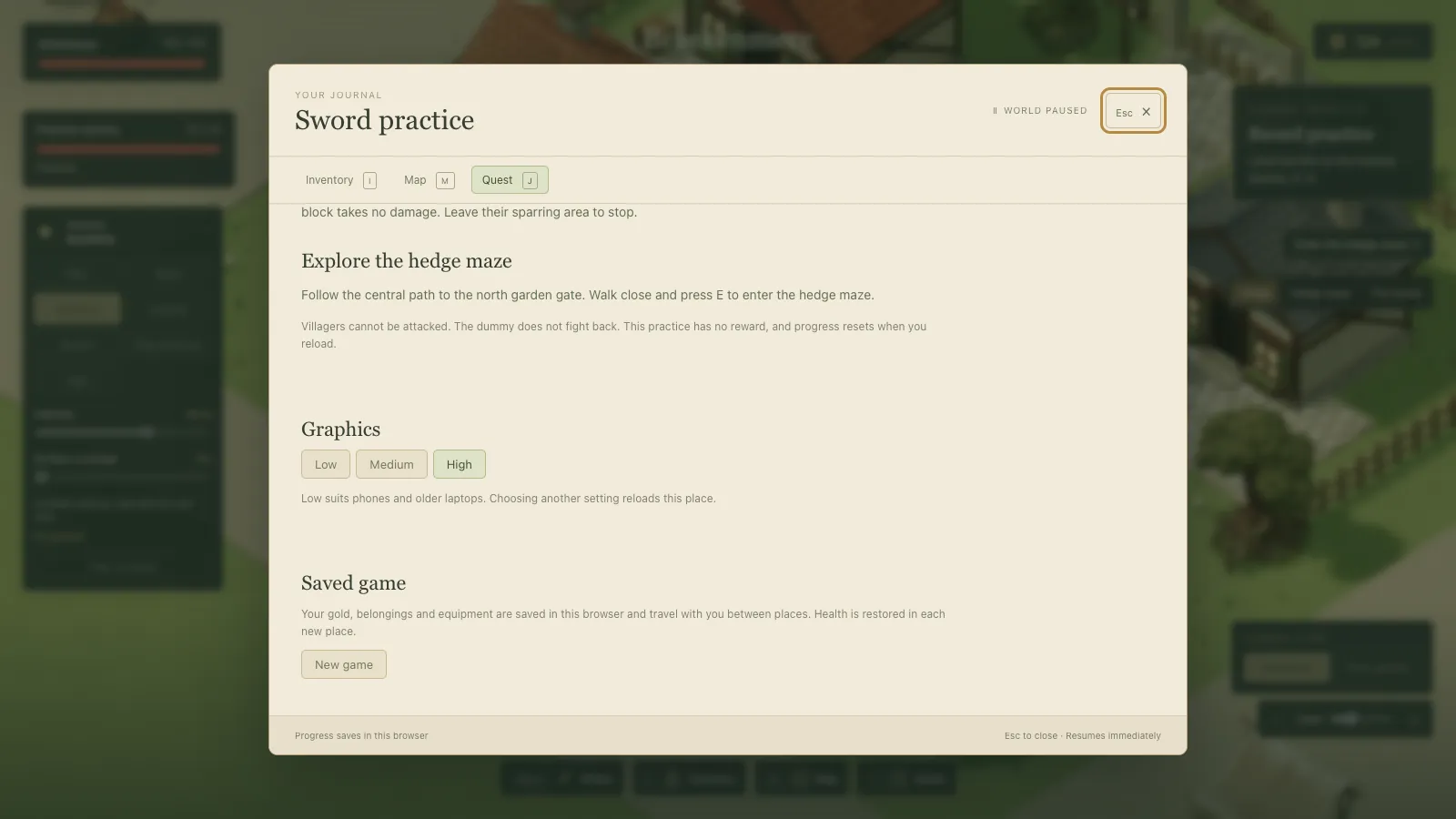 The Graphics choice at the foot of the journal. Choosing one reloads the place you are in.
For my eye
The agents' handoff listed things "for Nick's eye": lossy normal maps on the big characters, smaller roughness maps and that 512 pixel coin.
What I took from it
- Measure before you fix. The report found the spiders and the castle; guessing would not have.
- Report numbers, don't test them. A failing frame time on someone else's machine tells you nothing.
- Shrink files, not what you can see. High had to look exactly as it did before.