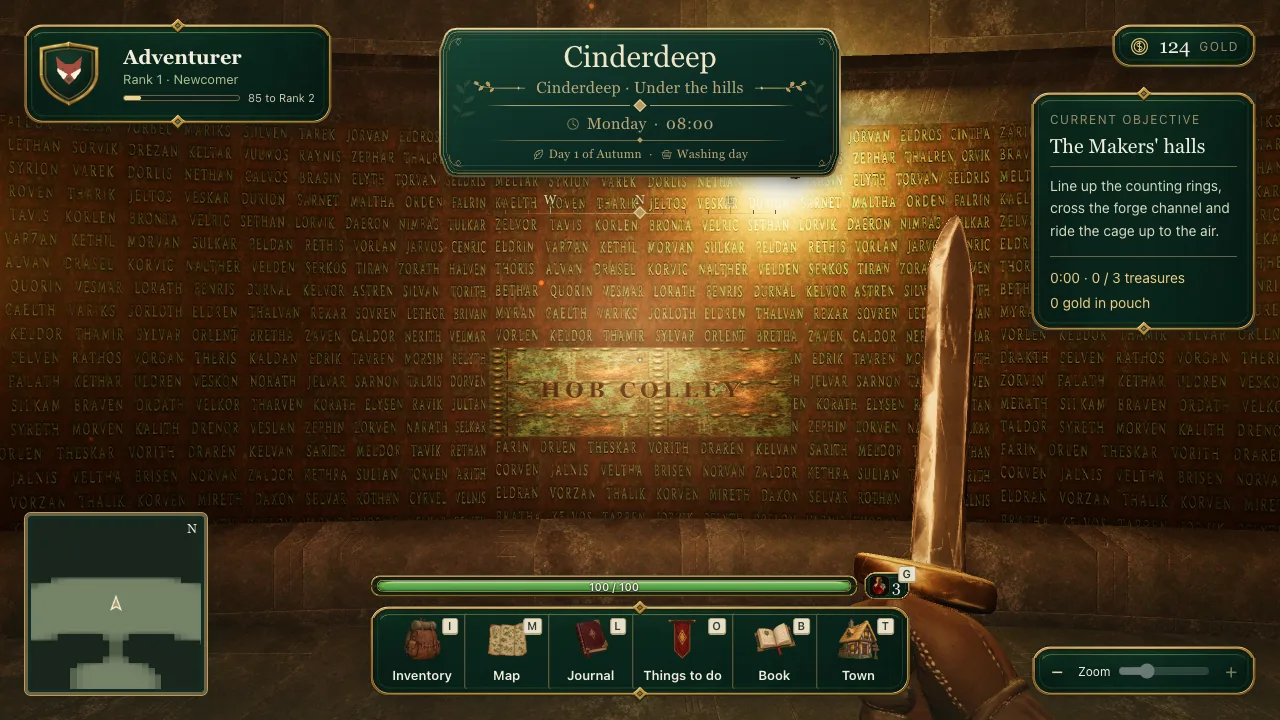
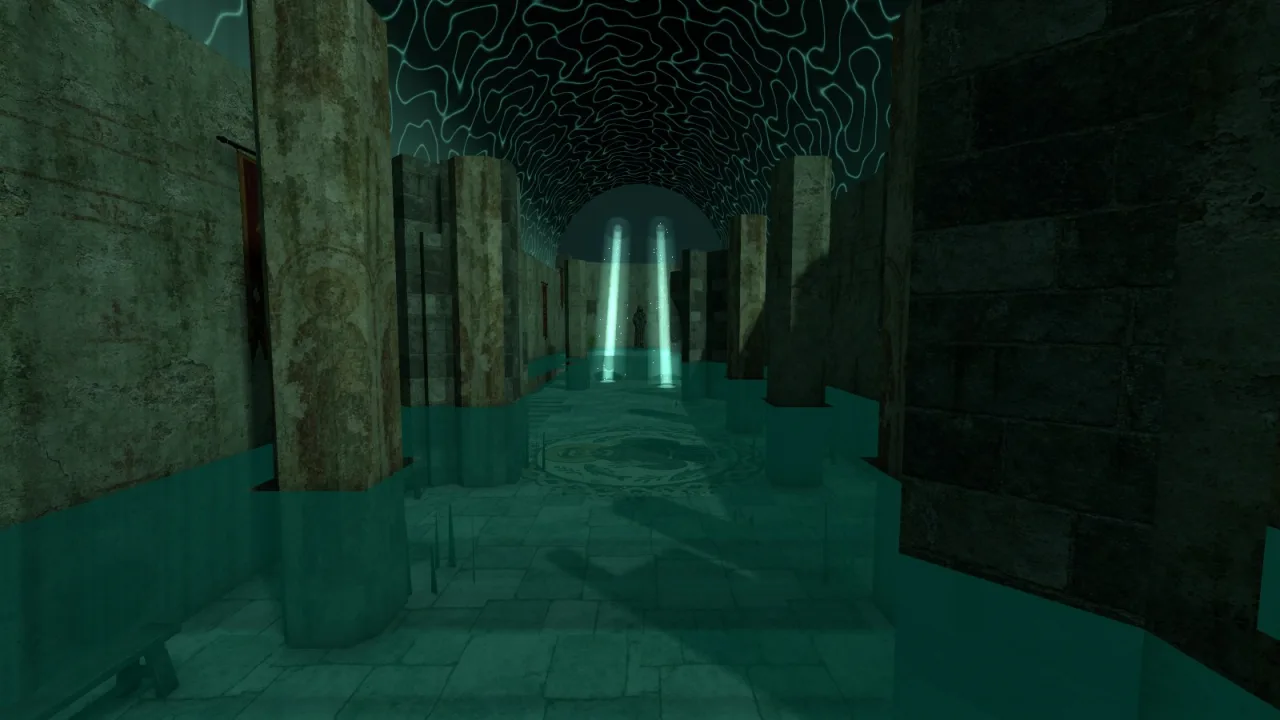
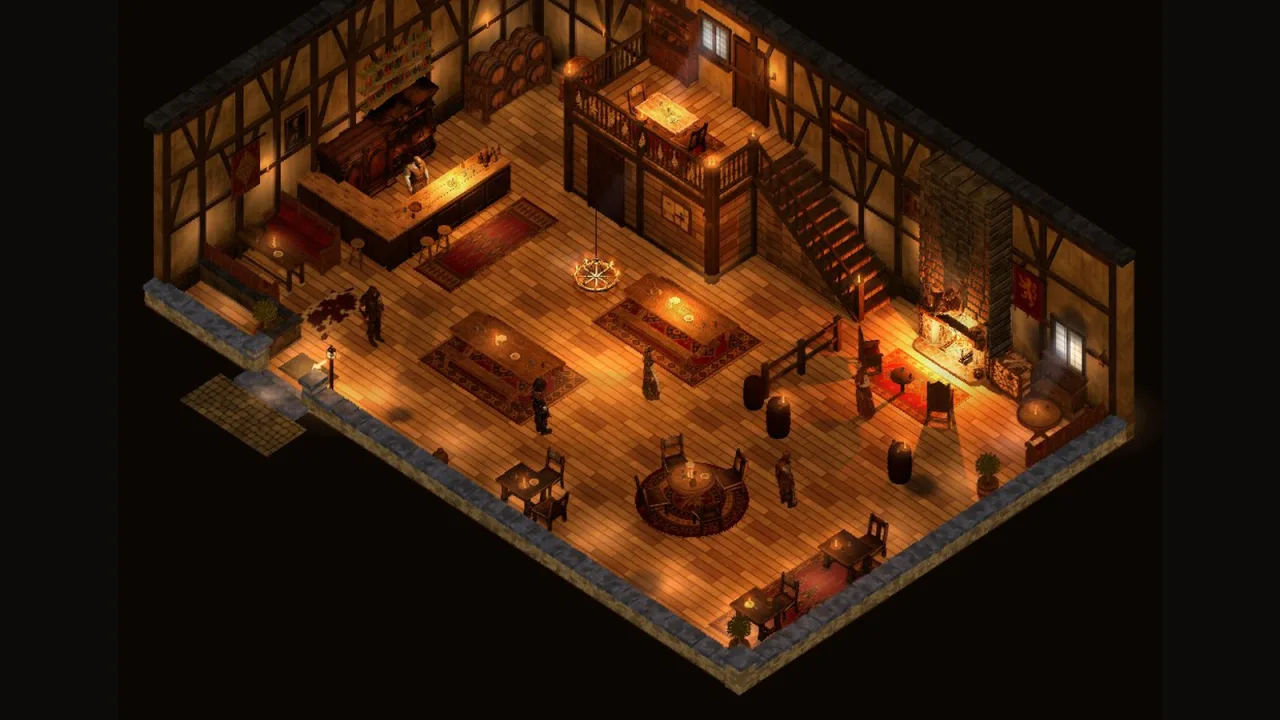
On the morning of 30 September I asked the agents to keep my Laravel habits out of this project: "Lets ensure the laravel and php rules dont load into this project." Brackenmere was TypeScript and Three.js, and my PHP rules were noise.
Four hours later I wanted them back.
With the open-world worktree busy on streaming, I opened another: "I want to build the back end for this now in Laravel. I'm just thinking in terms of repo and organization here. Is it best to put that in this maze game folder or a sibling folder elsewhere? I'm also thinking about agentic development and how that would work."
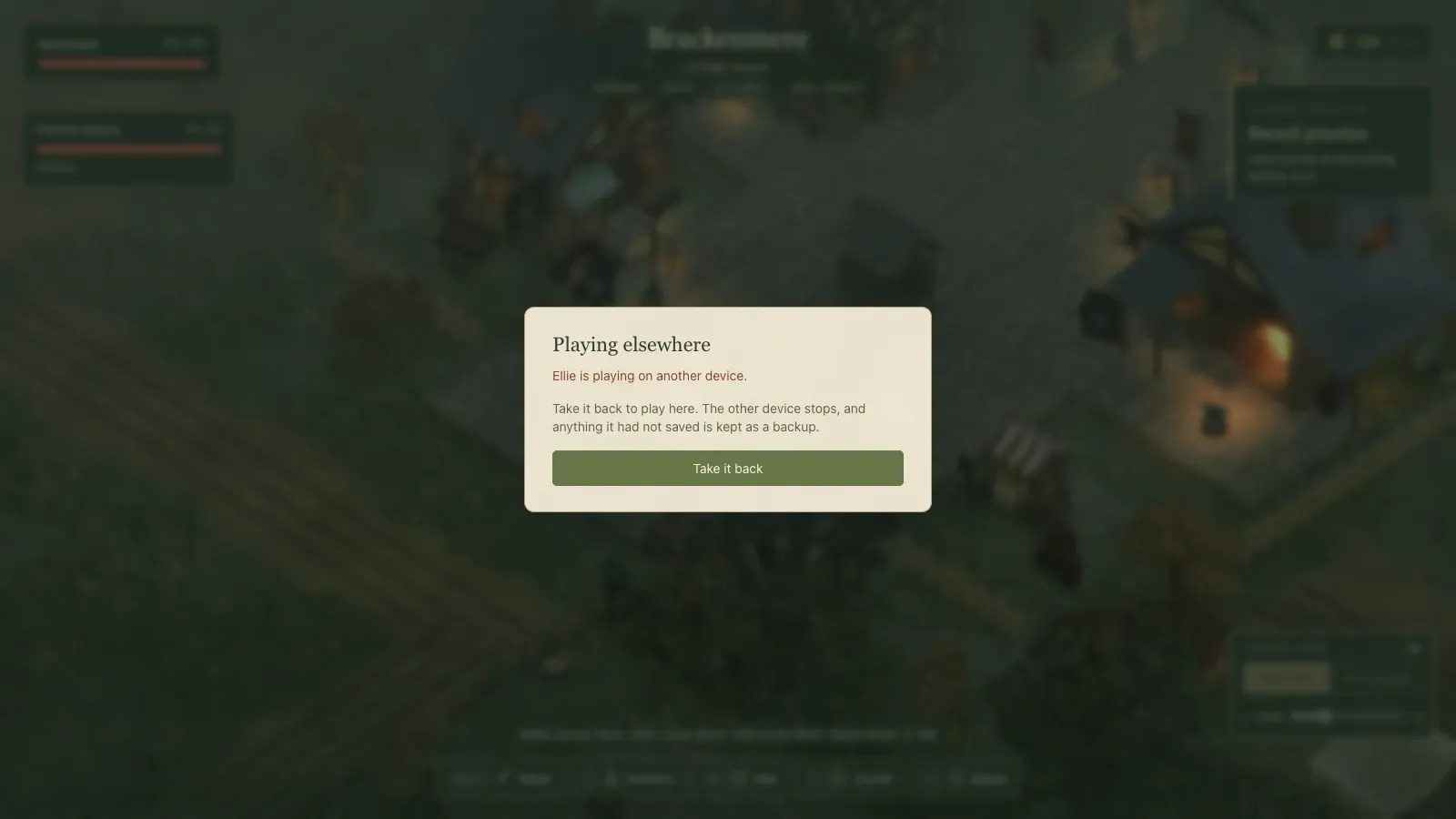 The same profile opened in a second browser: the first one pauses rather than asking a child which game to keep.
Where things stood
Until then the whole game lived in the browser. If my kids played on one computer, their game stayed on that computer.
What I asked for
I described the job as a save point, not a website: "The backend should be the save point that people could then go and load up their world and their character on a different machine. So it ultimately needs to hold everything from gold, the history, the whole village, the quests, all their relationships, what's happened... Obviously the front end will be the art stuff, so this will all be textual elements, but it could be quite a lot of data."
Then the rules: "If data is cheap, I think we go for the full history as long as it's textual." "The server should definitely enforce the economy." On accounts I changed my mind mid-sentence: "I think an account is needed from the off. Or maybe you can play anonymously without having a username password, but you just won't be able to save it... But obviously you wouldn't be able to transport that across machines, and we probably want to warn the user as well."
"I am going to place the server inside mazegame in a subfolder /server - not its own repo." "We'll be using MySQL as the database of choice." And the rules I had switched off that morning: "I have a global agents file which lists out a lot of rules for building with laravel - we need to ensure we are reading that as well... anything in server/ should be using it." So server/ got its own instructions file that pulls them in.
Designed for children
The brainstorm settled the shape, and the spec records it as my decisions. An adult owns the account, and the only personal data held is that adult's email. Children play under a first name and an animal. Managing profiles needs the grown-up's password, so one child cannot delete a sibling. Guests can play straight away and bring that game with them into an account.
The rule I like best is about two devices. The last device to open a profile takes it over and the other one pauses. As the spec puts it: "A child is never asked to choose between two versions."
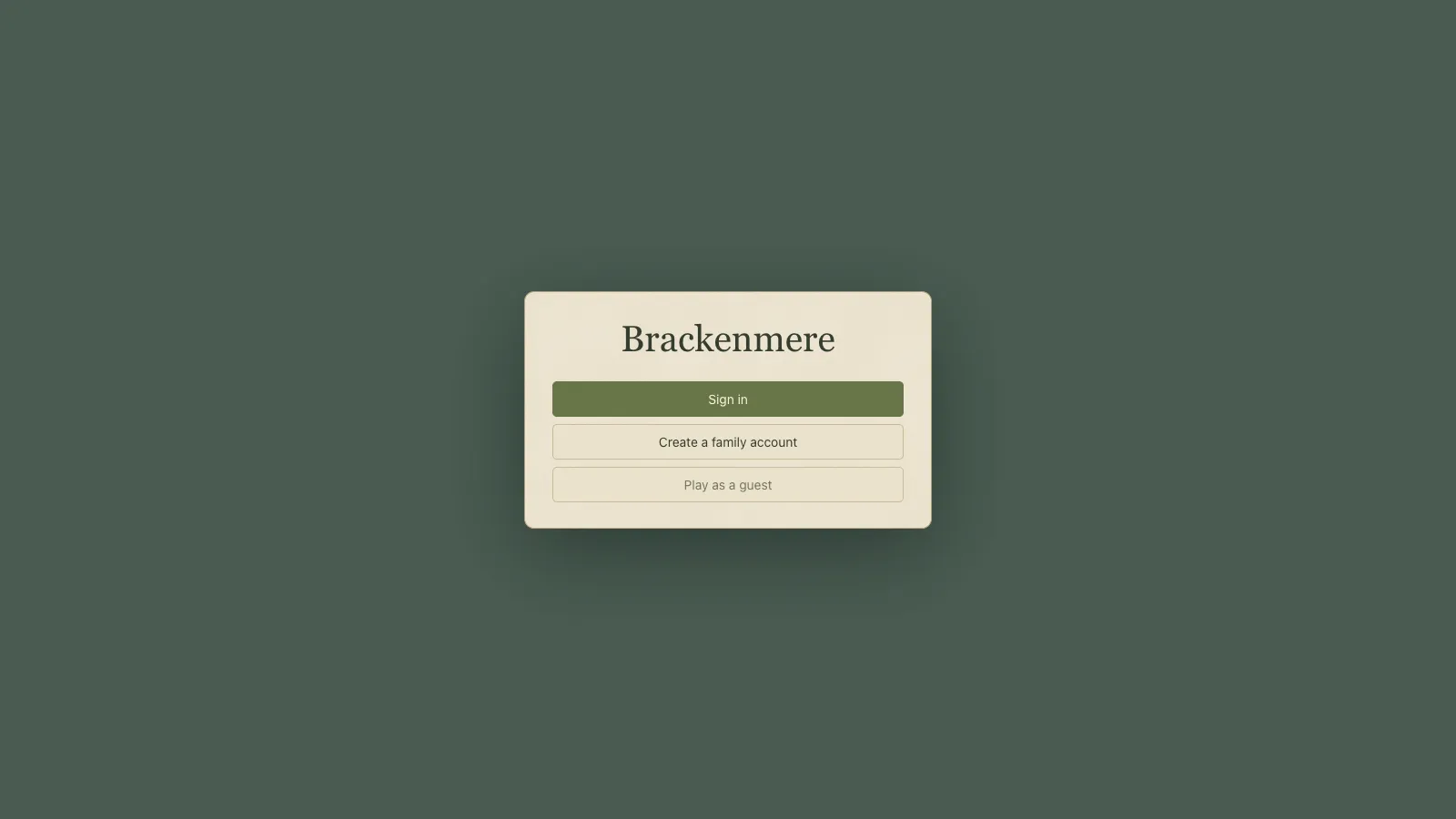 The new front door, built at 1 October's merge.
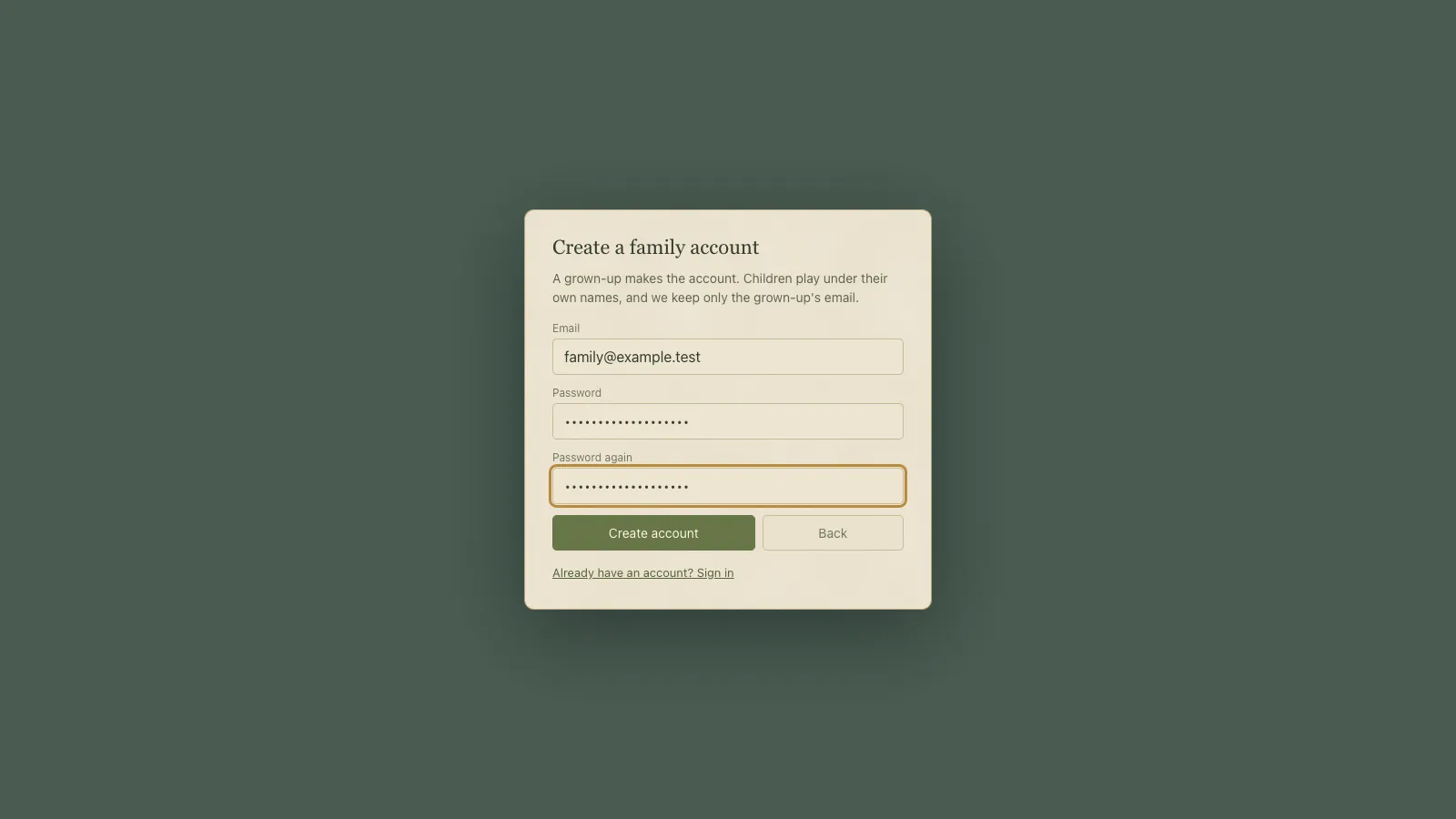 "We keep only the grown-up's email."
Reviewed before it was built
A Codex reviewer read the spec against the real save code first. Its first high finding was a good one: "Transaction IDs will collide between players." The game gives the same id to the same event for everyone (completing a given quest, picking up a given item), so the server now treats ids as unique within one save, not across the world.
The biggest choice was how to enforce the economy without writing the game twice: share data, not code. The game exports its rules as JSON, the ledger's rules are written again in PHP, and a shared set of fixtures runs through both to prove they agree.
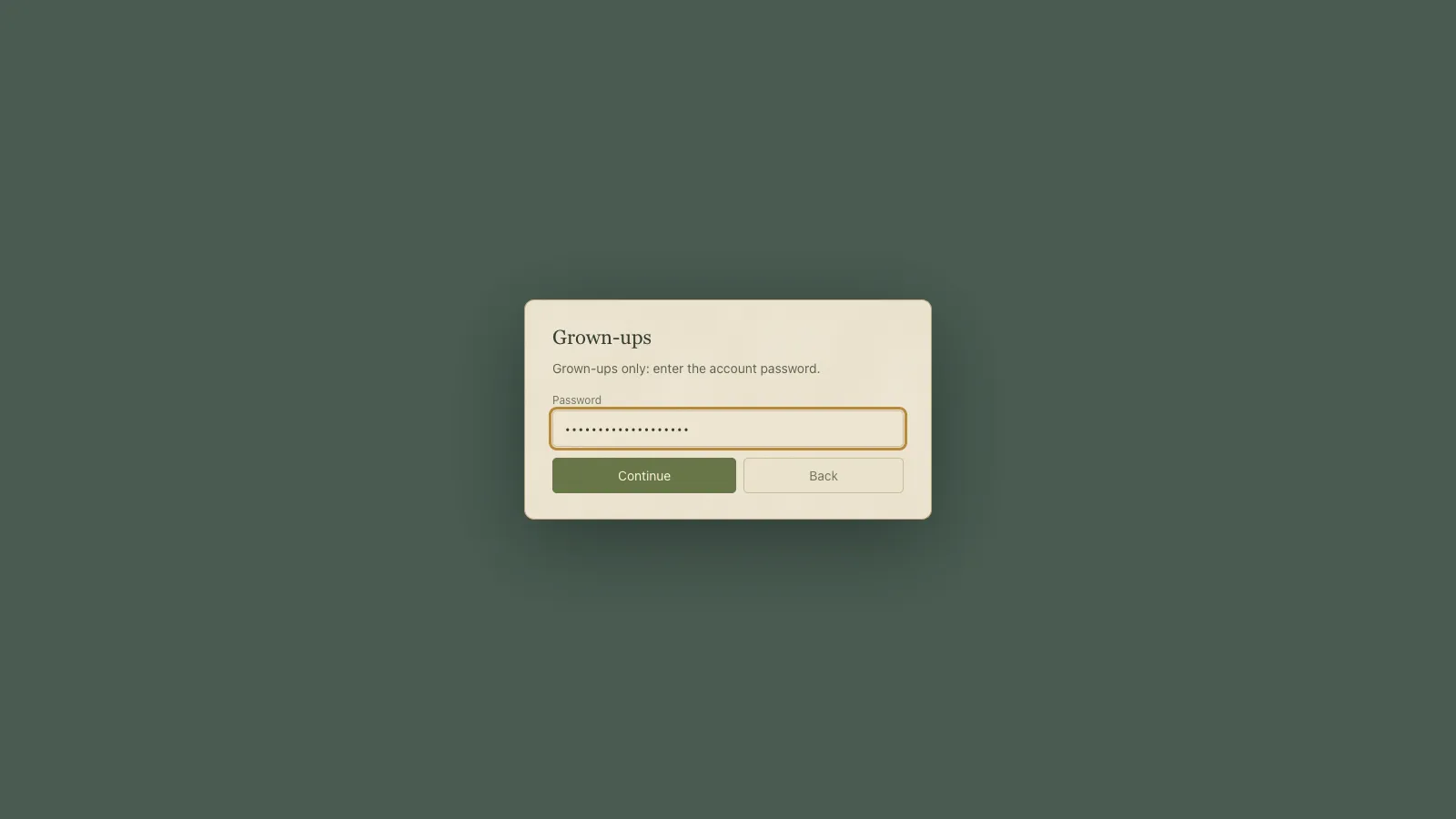 Managing players is behind the account password.
Built overnight
At lunchtime I said "write the plan", then handed it over: "build this subagent driven using supapowers. I am now AFK till tomorrow so build it E2E. Any decisions go with your recommendations and dont pause to wait for an answer. Build it." And, sensibly for once: "is there anything else (ie permissions) you'll need from me before I go?"
The owner worked through it task by task, logging every ruling it took on my behalf.
Under the hood The branch was 45 commits from lunchtime on 30 September to the next afternoon. It added a Laravel app of about 23,700 lines under
server/, 16 shared ledger fixtures, and about 3,800 lines of game code and tests.
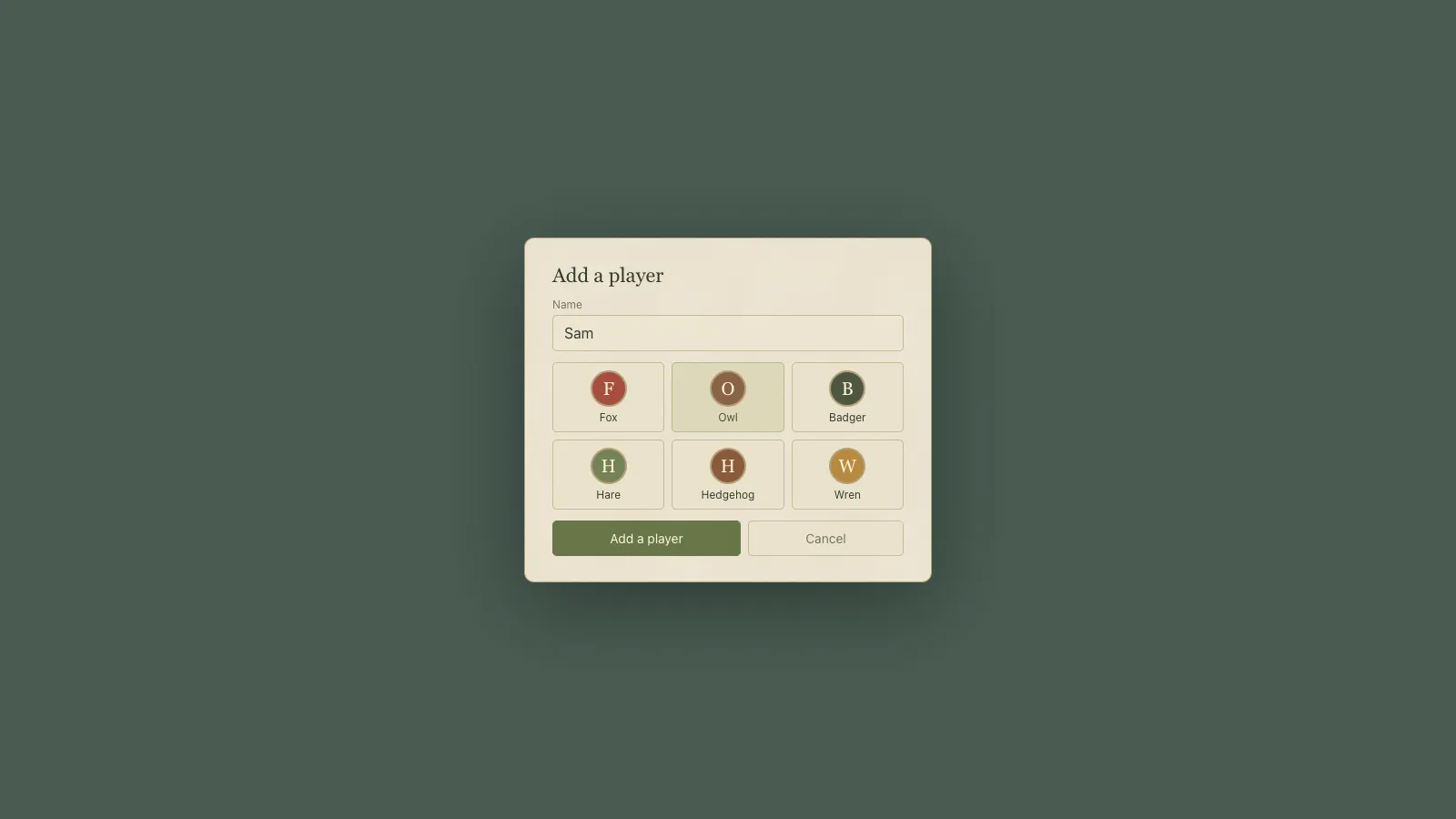 A name and an animal: all a profile holds.
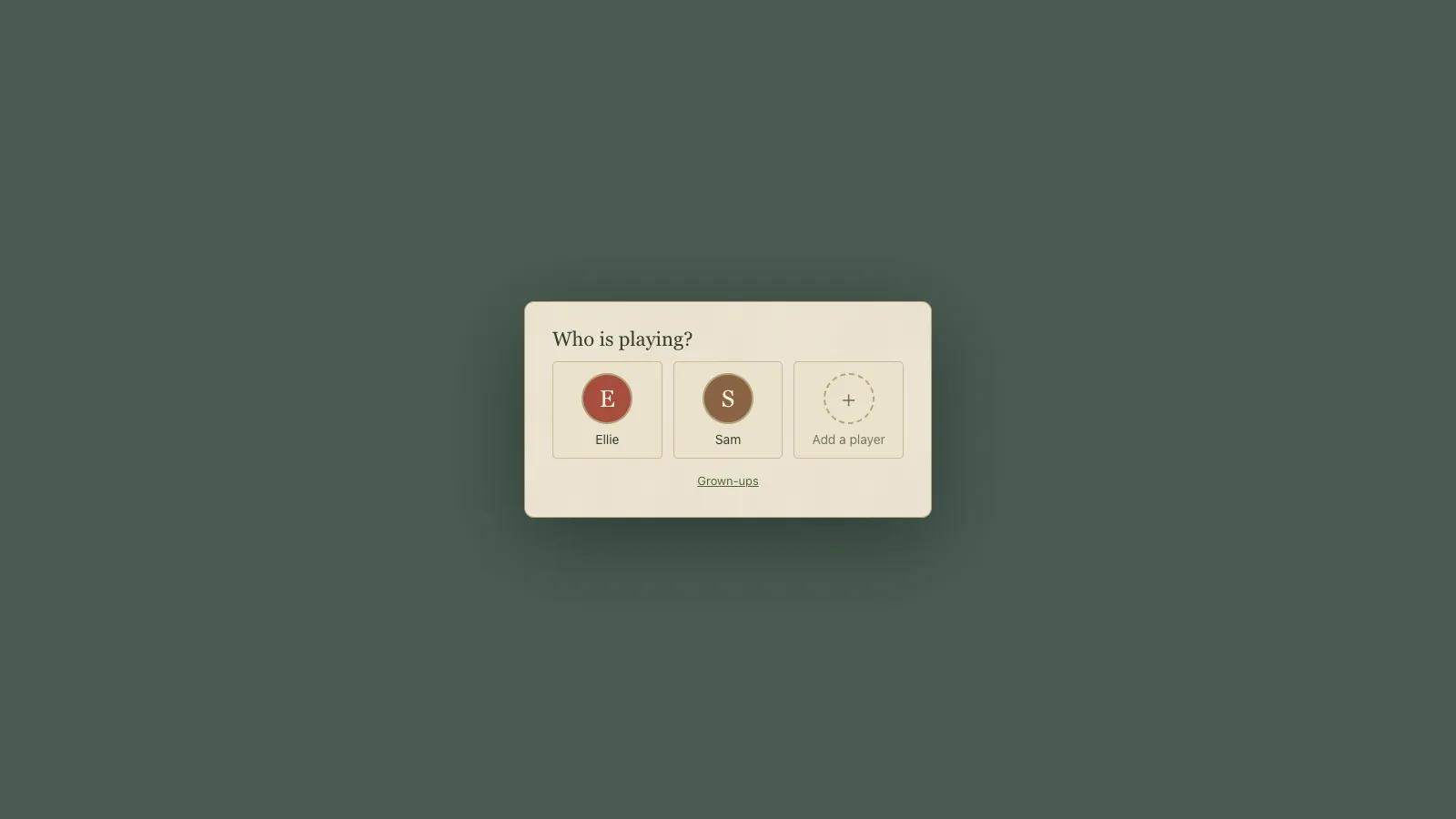 The profile picker with two example players.
What the real run caught
The next morning my first message was "stuck or still going on?" It was on the last task: two browsers playing as two devices against the real server.
Most of it held. When the second browser opened the same profile, the first paused and its unsaved purchase was kept as a backup. A save cut off mid-flight was retried and applied once.
One failure was a proper bug. The production build served through Herd showed Laravel's welcome page at / instead of the game, and signing in failed until the session settings were right. No unit test would have found that.
Under the hood Sign-in from the built game got
419 CSRF token mismatchtwice until the runbook's session domain was set. Of 15 runtime checks, 12 passed; of the three that failed as written, two were the check's wording, not the game.
The branch review found the worst one. If a guest's game failed the server's checks when it was brought into an account, the refusal would have destroyed the only copy. Now a refused copy is kept aside under a key the game never loads, and the profile starts fresh.
Under the hood A whole save after ten town days was 57,890 bytes of JSON, 13,795 gzipped: about a fifth of the browser's 64 KB limit for a request sent while a page closes, so the last save on the way out fits.
The look, left for me
A blind art review scored the account panels around 5 or 6 out of 10: the title's stacked buttons "read as a web login". After one round the agents stopped, because what held them back was "a design call for Nick, not a fix". They are still plain cards here.
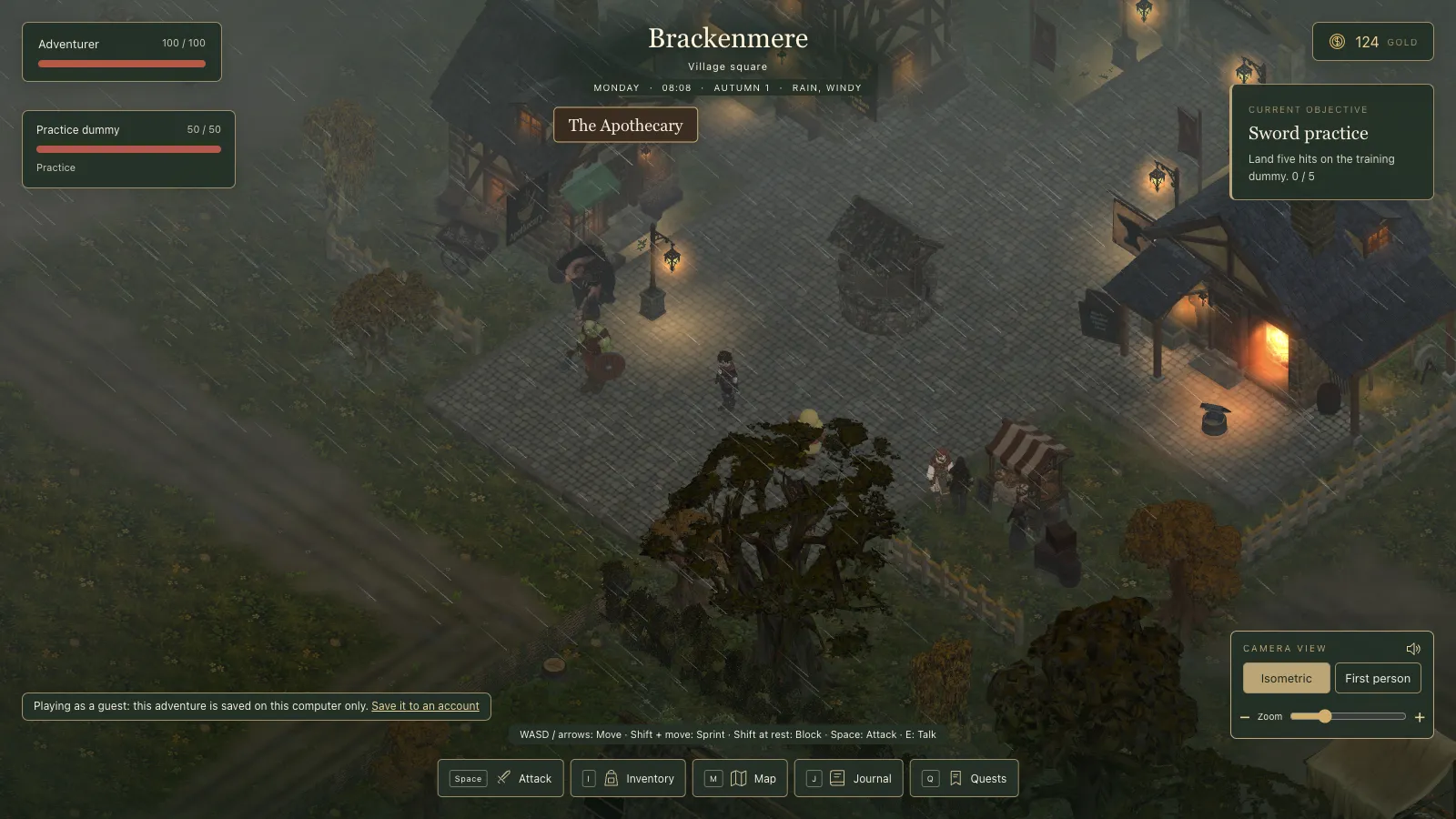 The guest warning I asked for, as a standing line on the HUD.
Bringing it home
That afternoon, wrapping up the lore in the cloud, I said what the worktrees had been telling me: "I think I need to get all those onto one branch now because so many things are starting to depend on each other." Then, locally, the real problem: "I'm worried about coordination and the amount of different things I've got going on." One session took on orchestrating the worktrees and merged the backend into main, with the cloud code loading lazily rather than raising the game's size limit.
What I took from it
Designing for children made the decisions easy: keep only the grown-up's email, and never ask a child which game is the real one. Sharing data instead of code let one set of fixtures keep TypeScript and PHP honest. And a real run found the welcome page every test had missed.
The fourth phase of the spec was the adventure generator's AI endpoints. That generator was being built one worktree over.